Print once, update later
Keep a QR code on cards and materials while managing its configured destination in NFCraft.
Use NFCraft dynamic QR codes alongside NFC cards or on their own. Give people a scannable path to a digital profile or supported web destination, then update it when your needs change.
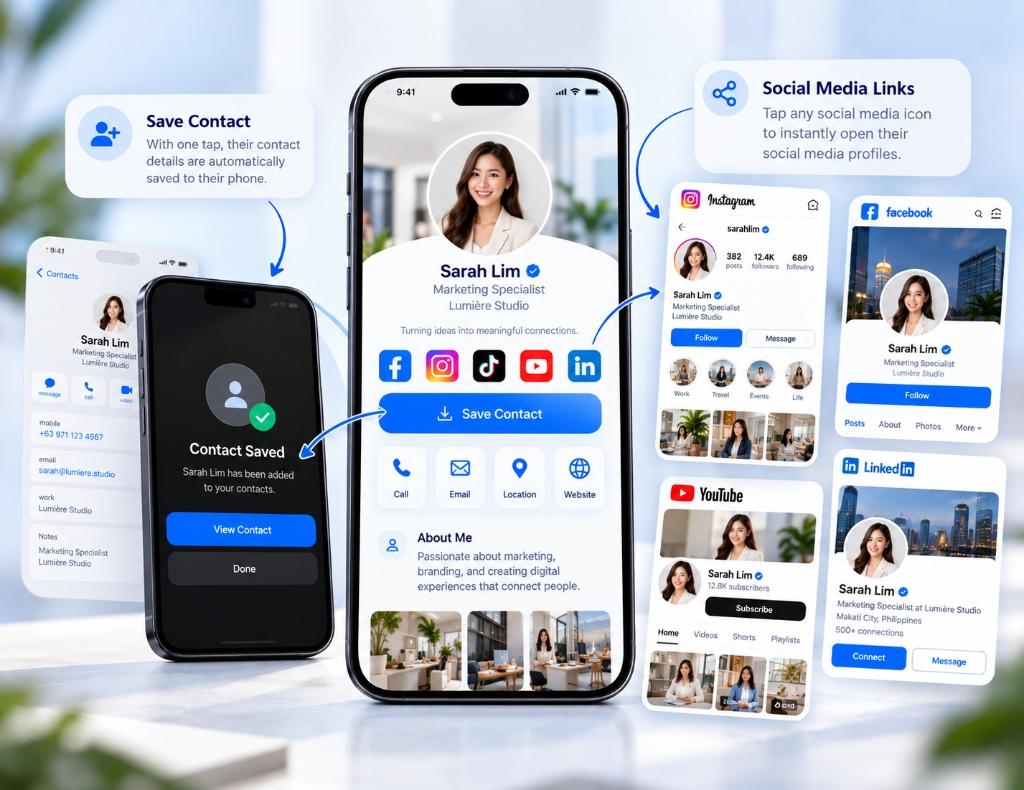
Keep a QR code on cards and materials while managing its configured destination in NFCraft.
Give visitors a reliable scan option when tapping is unavailable or they prefer a QR code.
Use the same platform to organize NFC cards, published profiles, and supported QR destinations.